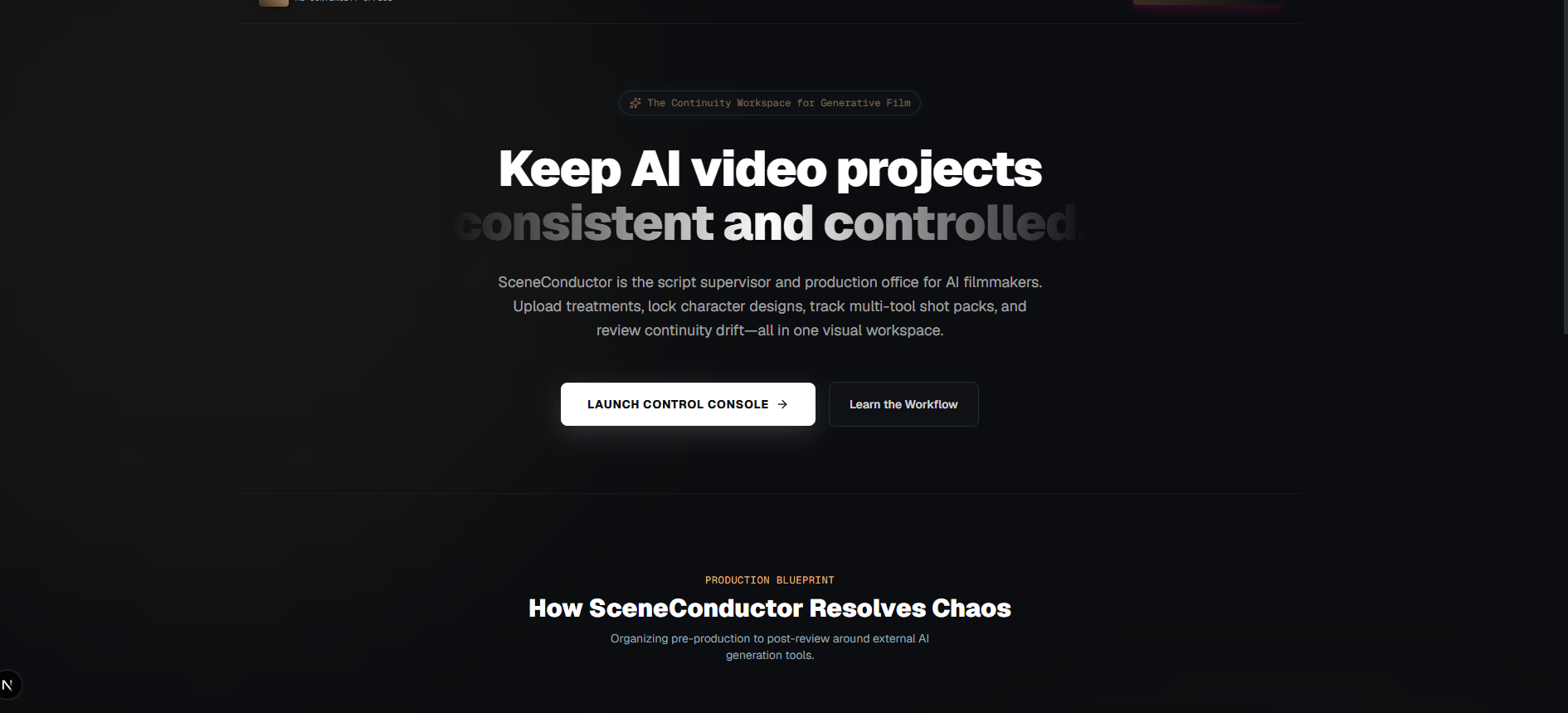
The continuity workspace for AI video production.
A GenAI model-agnostic workspace compatible with Google Flow, Runway, Leonardo, and other generators. SceneConductor helps creators plan scenes, define reusable assets, build prompt packages, and track continuity.
Maintain creative control across every shot.
AI video tools generate impressive single clips, but keeping a multi-shot project consistent remains a massive production challenge.
When characters, wardrobe, locations, props, and lighting drift between shots, projects lose their immersion and coherence. Instead of randomly generating clips and throwing away hundreds of prompt iterations, SceneConductor structures your creative world.
Because SceneConductor is fully model-agnostic, prompt packages compile clean guidelines compatible with any engine—including Google Flow, Runway, Leonardo, and Midjourney. Define the creative world once, then run it consistently across any generation platform.
The Continuity Solution
- Model-Agnostic Integration (Runway, Flow, etc.)
- Visual Style-Lock mechanisms
- Dynamic prompt packing layers
- Frame-by-frame drift scoring
Narrative Sandbox Visualizer.
Interactively configure elements below to see how SceneConductor structures output prompts and enforces project continuity.
LOCKED ASSETS
Aria (Rebel Scout)
COLOR PALETTE
CAMERA PARAMETER
Dolly Tracking
Core capabilities.
A modular production design setup instead of isolated generator workflows.
Project Bible Workspace
Create a central source of truth containing story summary, visual style, color palettes, world rules, and continuity constraints. Ensure every generation pipeline conforms to your original visual identity parameters.
Character Director
Build reusable profiles with face locks, wardrobe rules, movement styles, and forbidden changes to eliminate drift.
Location Profiles
Define settings with lighting rules, weather systems, and recurring prop layouts to protect layout consistency.
Prompt Director & Score
Guided workflows convert shot intents, camera movements, and settings into neat prompt packages. Score prompt readiness before wasting rendering budget on model generations.
Take Continuity Review
Track generated clips by version, comparing output results side-by-side against established project bibles and character rules.
Revision Queue & Matching
Convert failed takes into structural revision logs. Feed generated clips back into prompt parameters to align continuity profiles for later rendering stages.
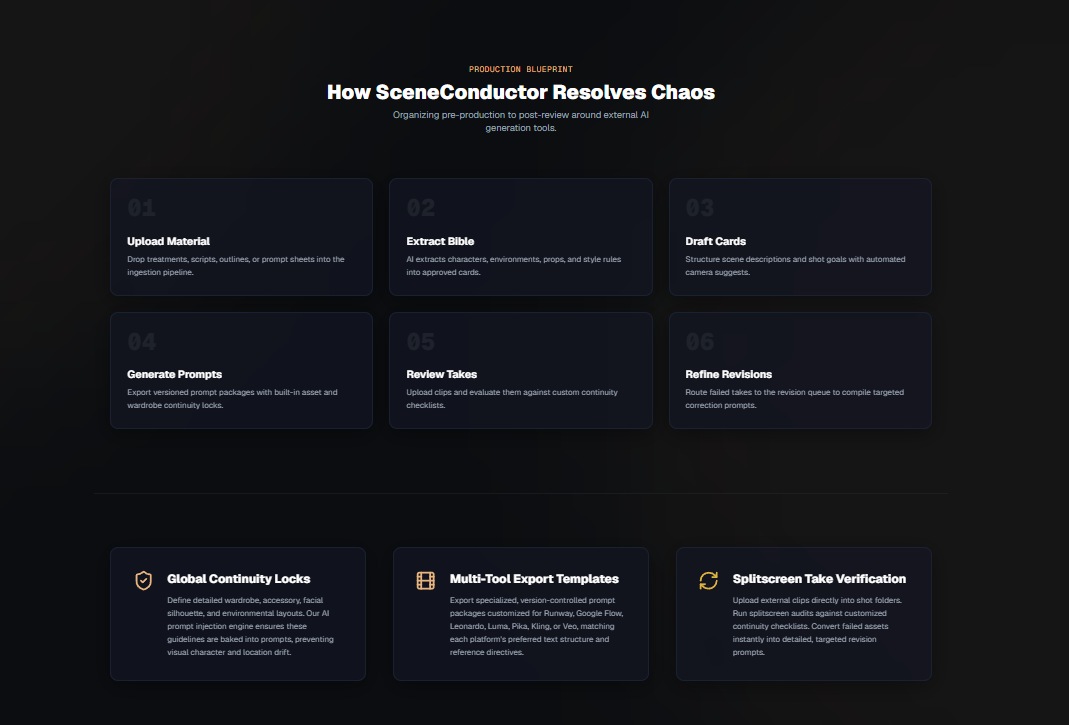
From script to consistent scene.
SceneConductor replaces unstructured prompts with a clear, visual production loop.
Build the Bible
Establish Project Constraints
Establish project tone, core visual references, color palettes, and strict continuity rules.
Define Creative Assets
Structured Profiles
Create structured, reusable profiles for your main characters, props, wardrobe, and locations.
Package & Score Prompts
Guided Production Steps
Draft prompt packages using guided production questions, then score prompt readiness to reduce wasted attempts.
Generate & Review Takes
Loop with Generators
Export prompt packages to tools like Flow or Runway, generate the clips, and import takes for continuity review.
Manage Revisions
Iterative Refinement
Flag character or setting drift, log revisions, tweak prompts automatically, and regenerate until approved.
Unified Production Memory Workspace
Compare traditional generator pipelines (prone to context drift) side-by-side with SceneConductor's organized control layer.
Prompting From Scratch
Unstructured workflow
Generators wipe state on every query, causing character layouts to drift between generations.
Long sentences copy-pasted across notepad files; tiny tweaks break wardrobe and face settings.
No lighting checks, colors wash out or change styles, matching colors requires endless seed hunt.
SceneConductor Control
Workspace structure layer
Visual elements like character details and coordinates stay locked relative to the scene workspace.
Auto-generated structured JSON prompt packages isolate scene actions from character wardrobe parameters.
Color spaces and color palette swatches are pre-loaded to prompt scripts for locked results.
Frontier Labs Project
Workflow over models.
SceneConductor is an early-stage Frontier Mindworks prototype product and lab project exploring how structured AI workflows can support complex creative production. It reflects the larger Frontier Mindworks mission: turning scattered, chaotic AI capabilities into structured, usable creative workspaces.
Rather than attempting to build or train new video generation models, SceneConductor acts as a workflow and continuity layer around them—helping creators move from trial-and-error prompt cycles to a controlled, repeatable production process.
SceneConductor Interface.
Explore the continuity workspace for AI video production.
Design smarter AI video production workflows.
SceneConductor helps turn scattered generative tools into consistent, structured, and repeatable creative projects.
Start a Conversation